The uninstall command of the winget tool uninstalls the specified application.
The uninstall command requires that you specify the exact string to uninstall. If there is any ambiguity, you will be prompted to further filter the uninstall command to an exact application.
Usage
winget uninstall [[-q] \<query>] [\<options>]
Arguments
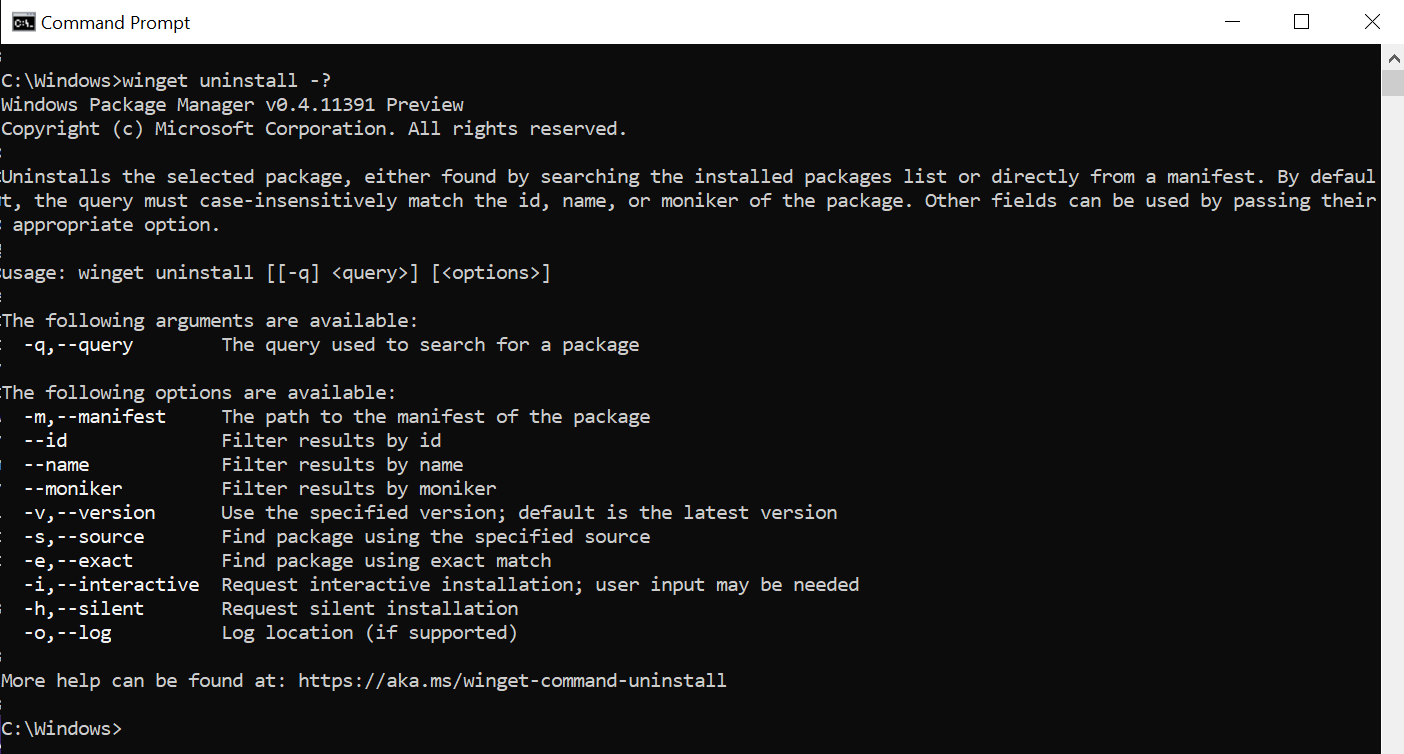
The following arguments are available.
| Argument | Description |
|---|---|
| -q,–query | The query used to search for an app. |
| -?, –help | Get additional help on this command. |
Note
The query argument is positional. Wild-card style syntax is not supported. This is most often the string of characters you expect to help find the package you are uninstalling.
Options
The options allow you to customize the uninstall experience to meet your needs.
| Option | Description |
|---|---|
| -m, –manifest | Must be followed by the path to the manifest (YAML) file. You can use the manifest to run the uninstall experience from a local YAML file. |
| –id | Limits the uninstall to the ID of the application. |
| –name | Limits the search to the name of the application. |
| –moniker | Limits the search to the moniker listed for the application. |
| –product-code | Filters using the product code |
| -v, –version | Enables you to specify an exact version to uninstall. If not specified, latest will uninstall the highest versioned application. |
| -s, –source | Restricts the search to the source name provided. Must be followed by the source name. |
| -e, –exact | Uses the exact string in the query, including checking for case-sensitivity. It will not use the default behavior of a substring. |
| -i, –interactive | Runs the uninstaller in interactive mode. The default experience shows uninstaller progress. |
| -h, –silent | Runs the uninstaller in silent mode. This suppresses all UI. The default experience shows uninstaller progress. |
| –purge | Deletes all files and directories in the package directory (portable) |
| –preserve | Retains all files and directories created by the package (portable) |
| -o, –log | Directs the logging to a log file. You must provide a path to a file that you have the write rights to. |
| –accept-source-agreements | Used to accept the source license agreement, and avoid the prompt. |
| –header | Optional Windows-Package-Manager REST source HTTP header. |
| –verbose-logs | Used to override the logging setting and create a verbose log. |
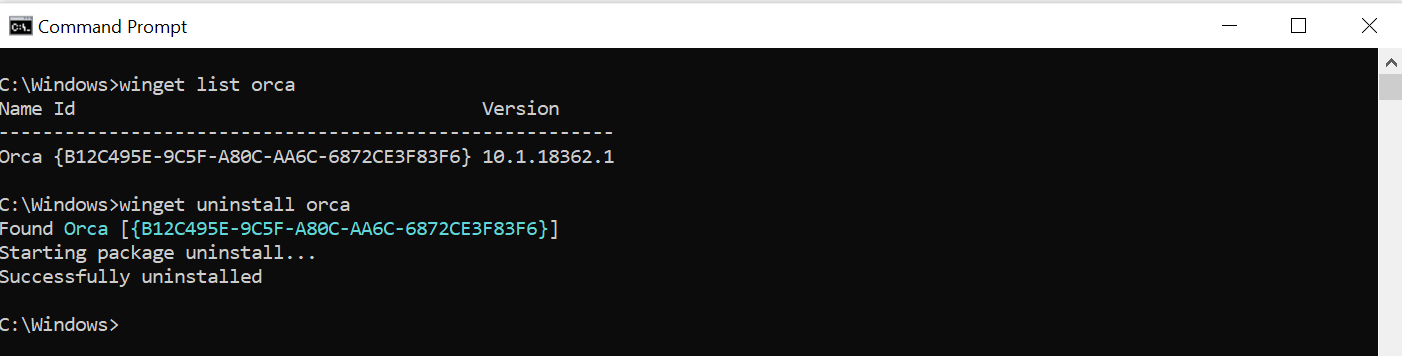
After you have successfully identified the application intended to uninstall, winget will execute the uninstall command. In the example below, the name ‘orca’ and the id was passed in.

Example queries
The following example uninstalls a specific version of an application.
CMDCopy
winget uninstall --name powertoys --version 0.15.2
The following example uninstalls an application using its ID.
CMDCopy
winget uninstall --id "{24559D0F-481C-F3BE-8DD0-D908923A38F8}"
Multiple selections
If the query provided to winget does not result in a single application to uninstall, then winget will display multiple results. You can then use additional filters to refine the search for a correct application.

Uninstalling apps not installed with Windows Package Manager
As mentioned in list, the winget list command will display more than just apps installed with the winget. Therefore you can use these commands to quickly and easily remove apps from your PC.
In this example, list was used to find the application, and then the id was passed in as part of uninstall.