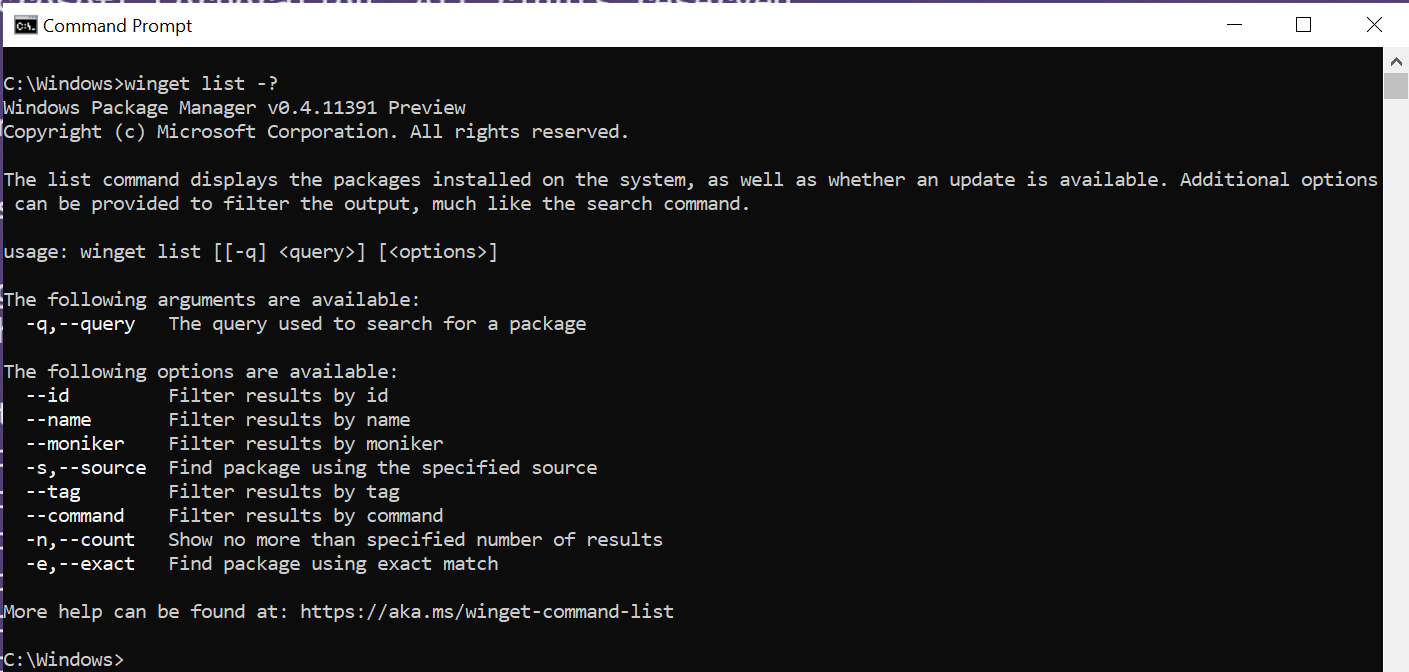
The list command of the winget tool displays a list of the applications currently installed on your computer. The list command will show apps that were installed through the Windows Package Manager as well as apps that were installed by other means.
The list command will also display if an update is available for an app, and you can use the upgrade command to update the app.
The list command also supports filters which can be used to limit your list query.
Usage
winget list [[-q] \<query>] [\<options>]
Note
If you want to list all apps with available updates use winget upgrade (without any arguments).
Arguments
The following arguments are available.
| Argument | Description |
|---|---|
| -q,–query | The query used to search for an app. |
| -?, –help | Get additional help on this command. |
Note
The query argument is positional. Wild-card style syntax is not supported. This is most often the string of characters you expect to help find the installed package you are searching for.
Options
The options allow you to customize the list experience to meet your needs.
| Option | Description |
|---|---|
| –id | Limits the list to the ID of the application. |
| –name | Limits the list to the name of the application. |
| –moniker | Limits the list to the moniker listed for the application. |
| -s, –source | Restricts the list to the source name provided. Must be followed by the source name. |
| –tag | Filters results by tags. |
| –command | Filters results by command specified by the application. |
| -n, –count | Limits the number of apps displayed in one query. |
| -e, –exact | Uses the exact string in the list query, including checking for case-sensitivity. It will not use the default behavior of a substring. |
| –accept-source-agreements | Used to accept the source license agreement, and avoid the prompt. |
| –header | Optional Windows-Package-Manager REST source HTTP header. |
| –verbose-logs | Used to override the logging setting and create a verbose log. |